USB4, Thunderbolt 5, and USB 40Gbps: The Cable Confusion Explained
The USB specification landscape in 2025 is genuinely confusing. This guide cuts through the marketing names and explains what each standard actually delivers.
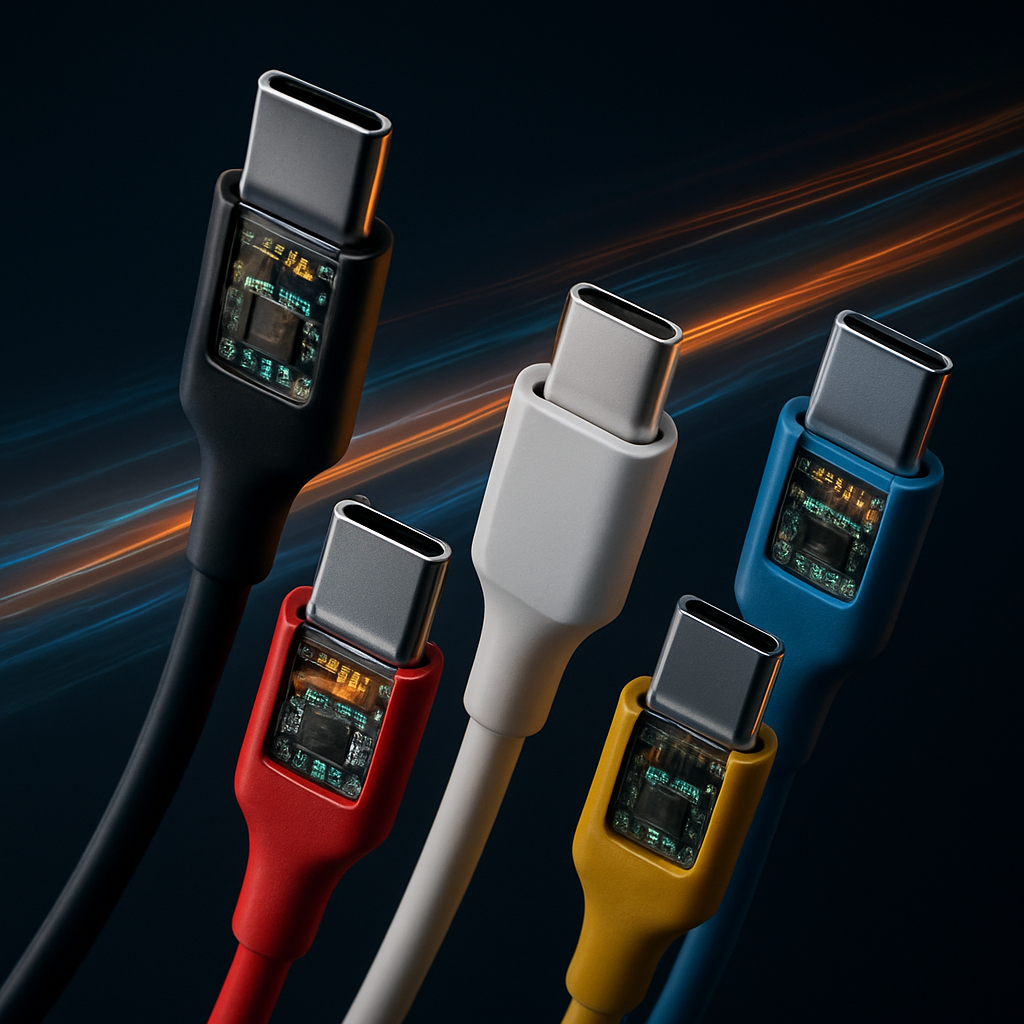
Ask someone what USB-C cable they need and watch their eyes glaze over. The proliferation of USB specifications, branded names, and ambiguous cable markings has created genuine consumer confusion. Here is the definitive breakdown for 2025.
The Specification Tree
USB-C is a connector shape, not a specification. The cable's actual capabilities depend on the underlying protocol:
USB-C Connector
├── USB 2.0 (480 Mbps) — most cheap cables
├── USB 3.2 Gen 1 (5 Gbps)
├── USB 3.2 Gen 2 (10 Gbps)
├── USB 3.2 Gen 2×2 (20 Gbps) — rare
├── USB4 Gen 2×2 (20 Gbps)
├── USB4 Gen 3×2 (40 Gbps) — "USB4 40Gbps"
└── Thunderbolt 4/5 (40–120 Gbps)
Every Thunderbolt cable is USB4 compatible. Not every USB4 cable is Thunderbolt certified.
What Each Standard Actually Means
USB4 Gen 2×2 (20 Gbps)
The baseline USB4 spec. Enough for external SSDs, displays up to 4K@60Hz, and 100W power delivery. Most affordable USB4 devices ship at this speed.
USB4 Gen 3×2 (40 Gbps / "USB4 40Gbps")
The full USB4 spec. Required for 4K@144Hz or 8K@60Hz displays, eGPUs, and fast NVMe enclosures. Cables must be USB4 40Gbps certified — a 20Gbps cable will not achieve this.
Thunderbolt 4
Intel's implementation at 40 Gbps with stricter requirements: mandatory support for two 4K displays or one 8K display, eGPU support, and daisy-chaining. Every TB4 host controller passes Intel's certification.
Thunderbolt 5 (120 Gbps asymmetric)
The newest standard, available in devices shipping since late 2024. 80 Gbps symmetric, 120 Gbps asymmetric (using bandwidth borrowing for display output). Enables 8K@60Hz from a single cable and eGPUs without meaningful bandwidth sacrifice.
Cable Buying Guide
For basic data transfer and charging (under €5): Any USB-C cable rated for 5A/100W will do for charging. For data, verify it is at least USB 3.2 Gen 1 (marked "USB 3.1" or "5 Gbps" on the packaging or cable itself).
For external SSD or 4K display (€15–€25): You need a cable explicitly marked "USB4 20Gbps" or "USB4 40Gbps". Cables without explicit markings should be assumed to be USB 2.0 speed regardless of their USB-C connector.
For Thunderbolt devices (€25–€45): Buy cables with the Thunderbolt lightning bolt logo. These are guaranteed to pass Intel's certification and support every Thunderbolt and USB4 feature.
For Thunderbolt 5 (€40–€80): TB5-certified cables are still premium priced. Only necessary if your device has a TB5 port — TB5 cables are backward compatible with TB4 and USB4.
How to Identify Your Cables
Modern cables should be marked. Look for:
- A printed "40Gbps" or "80Gbps" marking on the cable itself (often near the connector)
- The Thunderbolt lightning bolt symbol for TB4/TB5
- "USB4 Gen 3×2" or "USB4 40Gbps" on the packaging
Unmarked cables from generic brands should be treated as USB 2.0 only until proven otherwise with a tool like CableChecker2.
The eGPU Reality in 2025
External GPUs via USB4/Thunderbolt remain a niche use case due to PCIe bandwidth limitations. A TB5 connection delivers approximately PCIe 3.0 x4 bandwidth — adequate for 1080p-1440p gaming with a mid-range GPU, insufficient for 4K gaming.
The use case for eGPUs is laptop + desk GPU docking, not replacing a desktop PC. For that specific workflow (light laptop + beefy desk GPU), TB5 finally makes eGPUs usably fast.
Summary Table
| Standard | Max Speed | Display | Power | Use Case |
|---|---|---|---|---|
| USB 3.2 Gen 2 | 10 Gbps | 4K@30Hz | 100W | Basic peripherals |
| USB4 20Gbps | 20 Gbps | 4K@60Hz | 100W | External SSD, display |
| USB4 40Gbps | 40 Gbps | 4K@144Hz | 100W | eGPU, multi-display |
| Thunderbolt 4 | 40 Gbps | 8K@60Hz | 100W | Pro workstations |
| Thunderbolt 5 | 80–120 Gbps | 8K@120Hz | 240W | High-end docking |