Running a Home Server on Raspberry Pi 5: Six Months Later
After six months of running Docker containers, Pi-hole, and a media server on the Raspberry Pi 5, here is what worked, what broke, and what I would do differently.
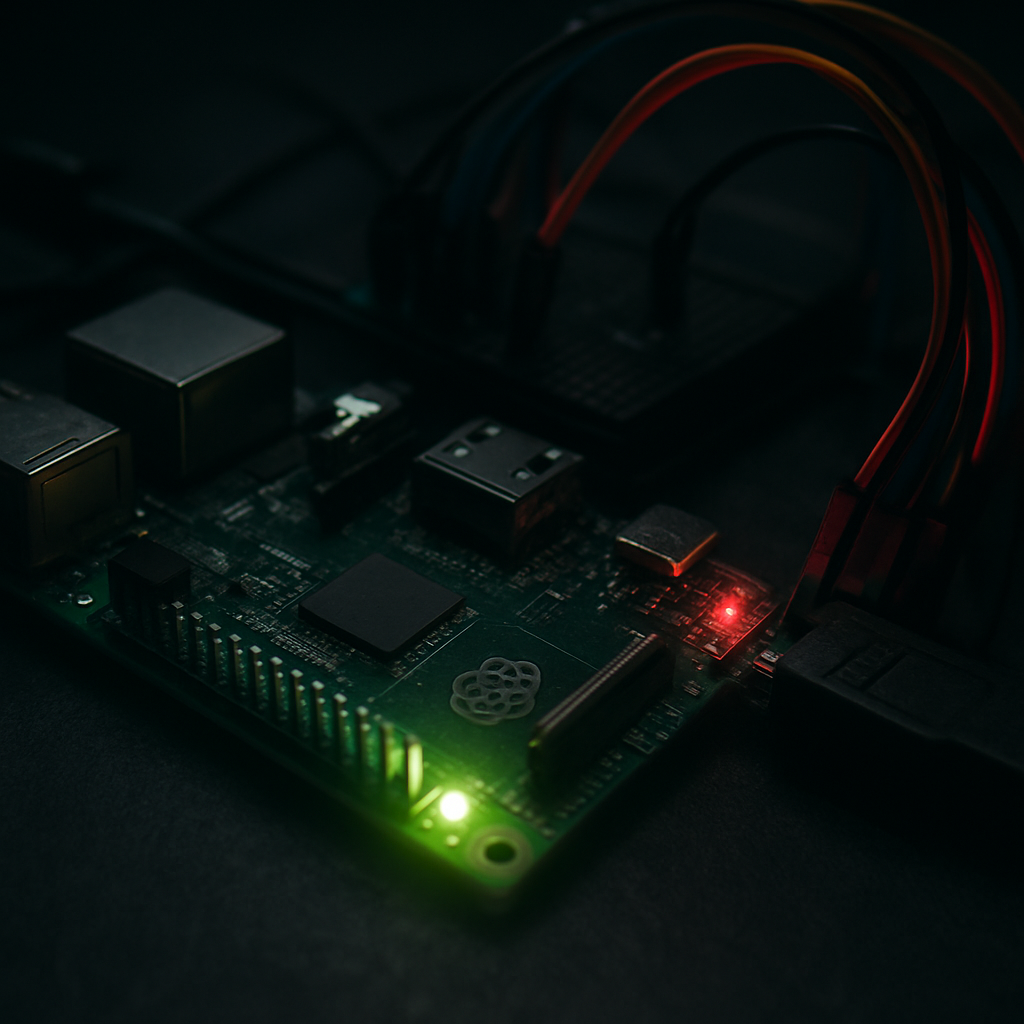
Six months ago I replaced my aging NUC with a Raspberry Pi 5. It was partly a cost experiment, partly curiosity about the new hardware. After running it 24/7, I have plenty of data and opinions.
The Hardware Setup
The core unit is a Raspberry Pi 5 8GB paired with:
- NVMe HAT from Pimoroni (the official one lacks a heatsink)
- 500 GB WD Blue SN580 NVMe SSD for the OS and containers
- Official Pi 5 Active Cooler — essential for sustained loads
- 27W USB-C GaN charger — the Pi 5 finally needs real power delivery
Total cost: approximately €145 including the microSD boot card kept as fallback.
What I Run
services:
  pihole:
    image: pihole/pihole:latest
    restart: unless-stopped

  jellyfin:
    image: jellyfin/jellyfin:latest
    restart: unless-stopped

  nginx-proxy-manager:
    image: jc21/nginx-proxy-manager:latest
    restart: unless-stopped

  vaultwarden:
    image: vaultwarden/server:latest
    restart: unless-stopped

  homepage:
    image: ghcr.io/gethomepage/homepage:latest
    restart: unless-stopped
Five Docker containers, all running comfortably with 4–5 GB of RAM free at idle.
Performance Reality Check
The Pi 5 is a Cortex-A76 chip clocked at 2.4 GHz — a genuine step up from the Pi 4's Cortex-A72. Real-world throughput for my use case:
- Jellyfin 1080p transcoding: Struggles. Hardware acceleration via V4L2 works for H.264 but H.265 transcoding maxes the CPU at 100%.
- Pi-hole DNS queries: Handles 10,000+ daily queries without flinching. Averages 0.4% CPU.
- Nginx reverse proxy: Zero measurable overhead.
- Vaultwarden: Idle, essentially free.
The takeaway: if you are serving pre-encoded media to clients that can direct play (modern smart TVs, recent phones), the Pi 5 is perfectly capable. Transcoding is its Achilles heel.
Thermal Management
With the official active cooler, temperatures under sustained Docker Compose load stay at 55–62°C. Under a compile job, it peaks at 78°C before throttling. Without any cooling at all, I saw thermal throttling start at 80°C during boot with multiple containers pulling images.
The active cooler is non-negotiable for server use.
Power Consumption
At idle with NVMe active: 4.8W Under load (all containers serving requests): 8.2W Peak (Docker image pulls, compile): 11W
Annualised at average €0.28/kWh, this box costs approximately €12 per year to run. My old NUC used 18W at idle.
What I Would Do Differently
- Buy the NVMe HAT on day one, not a week later. The SD card is painfully slow for Docker volume writes.
- Set up automated backups immediately using
rsyncto an external USB drive. I lost a Vaultwarden database entry learning this lesson. - Use Wireguard instead of opening ports — the Nginx Proxy Manager port exposure made me paranoid until I switched everything to VPN-only access.
Verdict
For a low-power, always-on home server running lightweight services, the Pi 5 is excellent. It replaced a €200 NUC and uses a third of the power. Just keep your Jellyfin library on direct-play-friendly codecs.