OLED Monitors in 2025: Are They Finally Ready for Daily Use?
QD-OLED and WOLED panels have addressed most of the burn-in concerns from years past. We dig into whether an OLED monitor is a sensible desk purchase today.
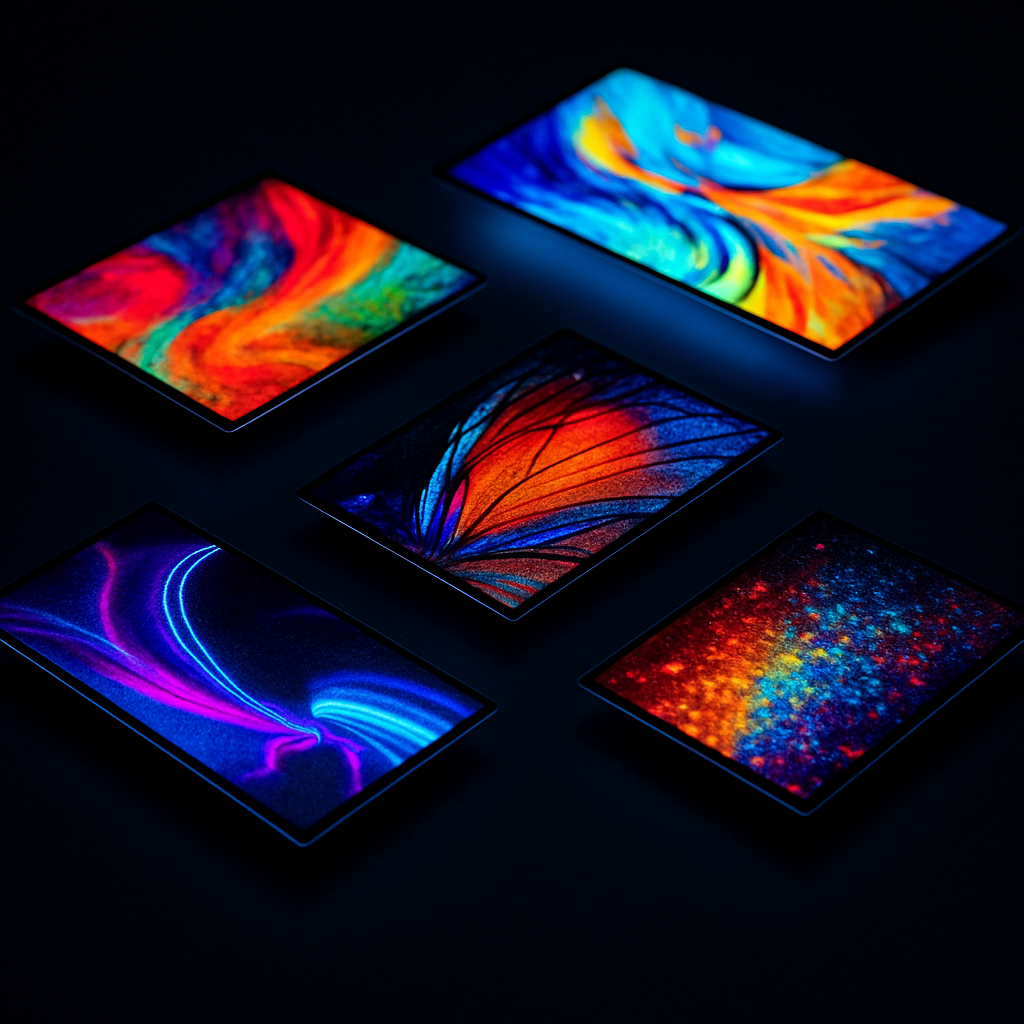
OLED monitors were a cautious purchase two years ago. The promise of perfect blacks, infinite contrast, and near-instant response times was real, but burn-in fears and limited brightness kept most buyers on the fence. In 2025, the calculus has shifted.
The Technology Landscape
There are now three distinct OLED display technologies in desktop monitors:
WOLED — White OLED with colour filters, used in LG panels. Good brightness uniformity, slower than QD-OLED in response time, but mature and reliable. Panels like the LG 27GS95QE have proven longevity records.
QD-OLED — Quantum dot film over blue OLED emitters, used in Samsung and Sony (Bravia) panels. Exceptional colour volume, peak brightness exceeds WOLED, but historically more susceptible to ABL (Automatic Brightness Limiter) kicking in on bright scenes.
Tandem OLED — The newest entrant, stacking two OLED layers to double brightness output. Currently appearing in laptops (MacBook Pro) but desktop panels are expected by late 2025.
Burn-In: The Real Risk Today
Burn-in is the permanent retention of static elements burned into the organic compounds. With modern panels, the risk from normal desktop use is genuinely low — with caveats.
High risk activities:
- Displaying a static HUD overlay for 8+ hours daily in a game
- Leaving a taskbar or menu bar at full brightness 24/7
- Using a screen saver that is actually a static image
Low risk activities:
- General productivity, web browsing, document work
- Gaming with varied scenes
- Video consumption
Most 2025 panels include pixel refresh cycles, pixel shift, logo detection, and automatic screen savers. LG's OLED monitors now ship with a 4-year burn-in warranty.
Which Panel to Buy in 2025
Best Overall: LG 27GR95QE-B (27" QD-OLED, 240Hz)
The second-generation QD-OLED from LG resolves the ABL issues that plagued the first generation. SDR brightness is comfortable at 250 nits, and HDR peaks hit 1000 nits in a 3% window.
Best Value: AOC AGON AG276QZD (27" QD-OLED, 240Hz)
Uses the same Samsung panel as monitors costing €200 more. The stand is utilitarian, but the panel is identical.
Best for Productivity: LG 32EP950-B (32" WOLED, 60Hz)
A 4K WOLED panel with hardware calibration support. Flickers less, runs cooler, and the matte coating handles office lighting better than glossy QD-OLED alternatives.
Practical Notes from Six Months of OLED Use
I run an AOC AG276QZD as my primary monitor. My observations:
- Text rendering is genuinely better than any IPS or VA panel I have used, due to the subpixel layout. White text on dark backgrounds is crisp and clean.
- Dark room gaming is transformative. Shadow detail in games like Elden Ring is visible without gamma crushing.
- Reflections are the real tradeoff. The glossy panel picks up ceiling lights and windows. A room with good light control is essential.
- HDR in Windows remains a mixed experience. DisplayHDR 1000 certification does not automatically mean good HDR in the Windows HDR pipeline.
Conclusion
If you spend more than four hours a day at your desk and can manage the reflections, an OLED monitor is worth the premium. The visual quality improvement over IPS is not subtle. The burn-in risk, with modern panel protections, is acceptable for desktop use in 2025.